AI-Powered Algorithm
Advanced machine learning algorithms analyze market patterns for optimal entry and exit points.


Download MetaTrader 4 & 5 - The World's Most Popular Trading Platforms

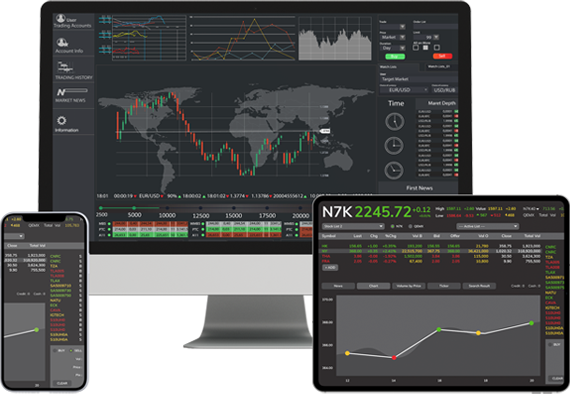
Gold Bot is fully compatible with both MetaTrader 4 and MetaTrader 5 platforms. These industry-leading platforms provide the perfect environment for running our advanced gold trading Expert Advisor (EA).
Choose the platform that best suits your trading style and experience the power of automated gold trading with our AI-powered algorithm.
Gold Bot is specifically designed for gold trading (XAUUSD) and offers advanced features that set it apart from other trading robots:
Advanced machine learning algorithms analyze market patterns for optimal entry and exit points.
Automated stop-loss, take-profit, and position sizing to protect your capital.
Never miss a trading opportunity with round-the-clock market analysis.
Download and install MT4 or MT5 from the official links above.
After purchasing, you'll receive the Gold Bot .ex4/.ex5 files and setup guide.
Copy files to Experts folder, restart platform, and configure settings.
MT4 is designed primarily for Forex trading, while MT5 is a multi-asset platform that supports stocks, futures, and other instruments. MT5 has more timeframes, better backtesting, and additional features, but MT4 remains more popular for Forex trading due to its simplicity and extensive EA library.
Yes! Gold Bot is available for both MT4 (.ex4 file) and MT5 (.ex5 file). When you purchase Gold Bot, you'll receive both versions. However, we recommend MT4 for beginners due to its simpler interface, while MT5 is better for advanced traders who want additional features.
While not mandatory, we highly recommend using a VPS (Virtual Private Server) for 24/7 operation. This ensures your trading platform and Gold Bot run continuously without interruptions from internet or power issues. Many brokers offer free VPS with certain account types.
MT4/MT5 can run on Windows 7 or later, with at least 1GB RAM and 100MB free disk space. For optimal performance, we recommend Windows 10/11, 4GB RAM, and a stable internet connection. The platform should remain open for Gold Bot to work.
1. Download the Gold Bot .ex4 (MT4) or .ex5 (MT5) file
2. Open MT4/MT5 and go to File → Open Data Folder
3. Navigate to MQL4/Experts (MT4) or MQL5/Experts (MT5)
4. Copy the Gold Bot file to this folder
5. Restart your platform and find Gold Bot in Navigator
Yes, you can run Gold Bot on multiple currency pairs, but it's specifically optimized for XAUUSD (Gold). We recommend focusing on Gold trading for best results. Each instance requires separate configuration.
We provide comprehensive technical support via email at help@goldbot.in and WhatsApp at +971 567 864 055. Our support team can help with installation, configuration, and troubleshooting issues with Gold Bot.
MT4/MT5 are Windows applications, but you can run them on Mac/Linux using virtualization software like Wine, Parallels, or VMware. Alternatively, you can use a VPS with Windows installed for cross-platform compatibility.
Download your preferred platform and experience the power of AI-driven gold trading